
Your Customers Can Now Check In On Their Own Jobs
Stop answering 'is it ready yet?' With Workbench customer portals, your customers can check the status of their own jobs, anytime, without picking up the phone.
Stop answering “is it ready yet?” Your customers can look it up themselves.
Every repair shop gets these calls. A customer dropped off their chain two weeks ago and they want to know if it’s done. It’s a reasonable question, but you’re in the middle of a job, your front desk is busy, and this is the third time this week they’ve called.
There’s a better answer than calling them back. With Workbench customer portals, your customers can check the status of their jobs themselves, anytime, without needing to pick up the phone.
What customers see
When you send a customer their portal link, they get a personal view of everything they have going on with your shop. Active jobs show the current status and estimated completion date, with the intake photo attached so there’s no ambiguity about what came in. Past jobs stay on record too, so if a customer wants to look up a repair you did 18 months ago, it’s all there.
No account to create, no password to remember, just a link that signs them straight in.
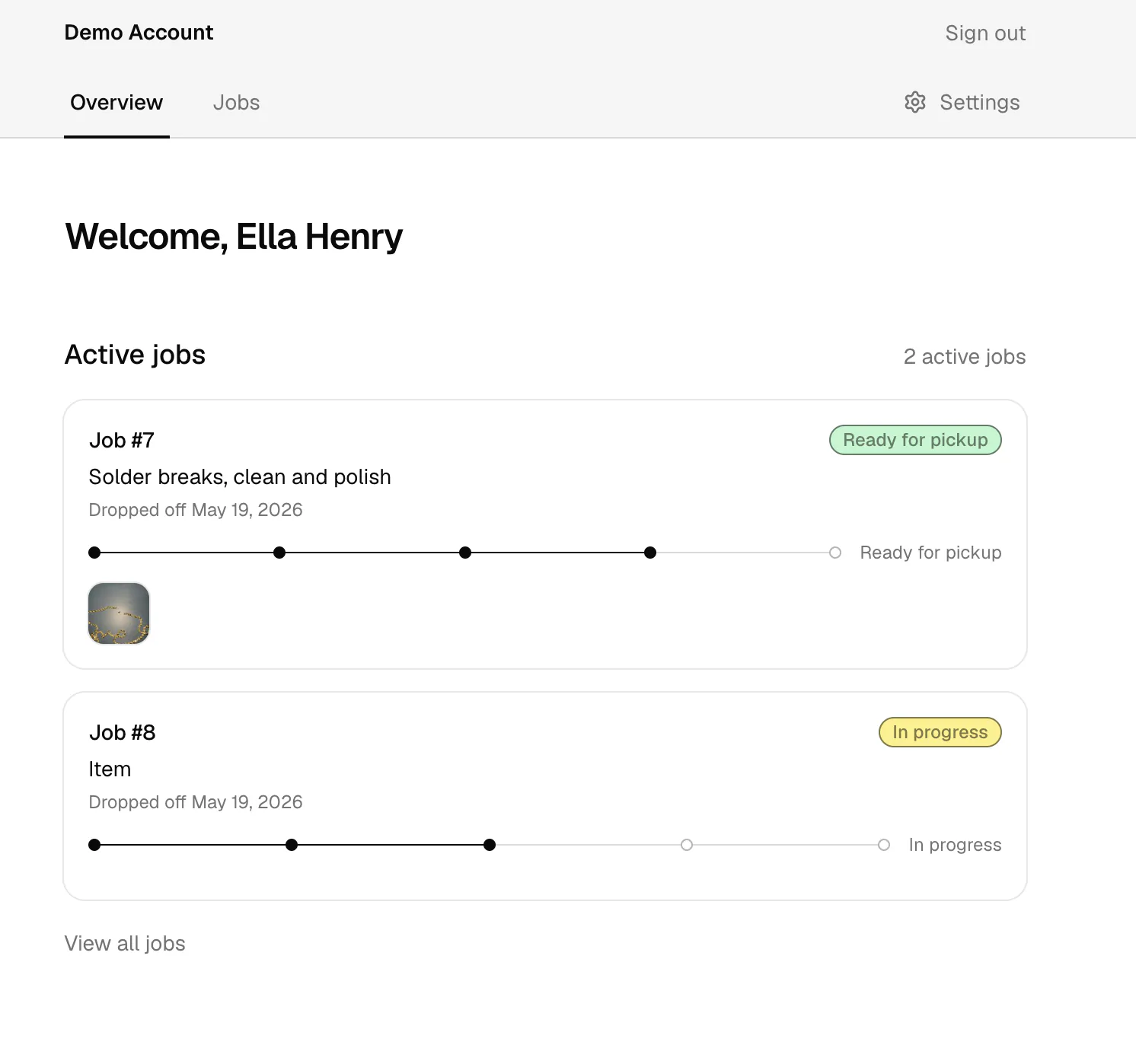
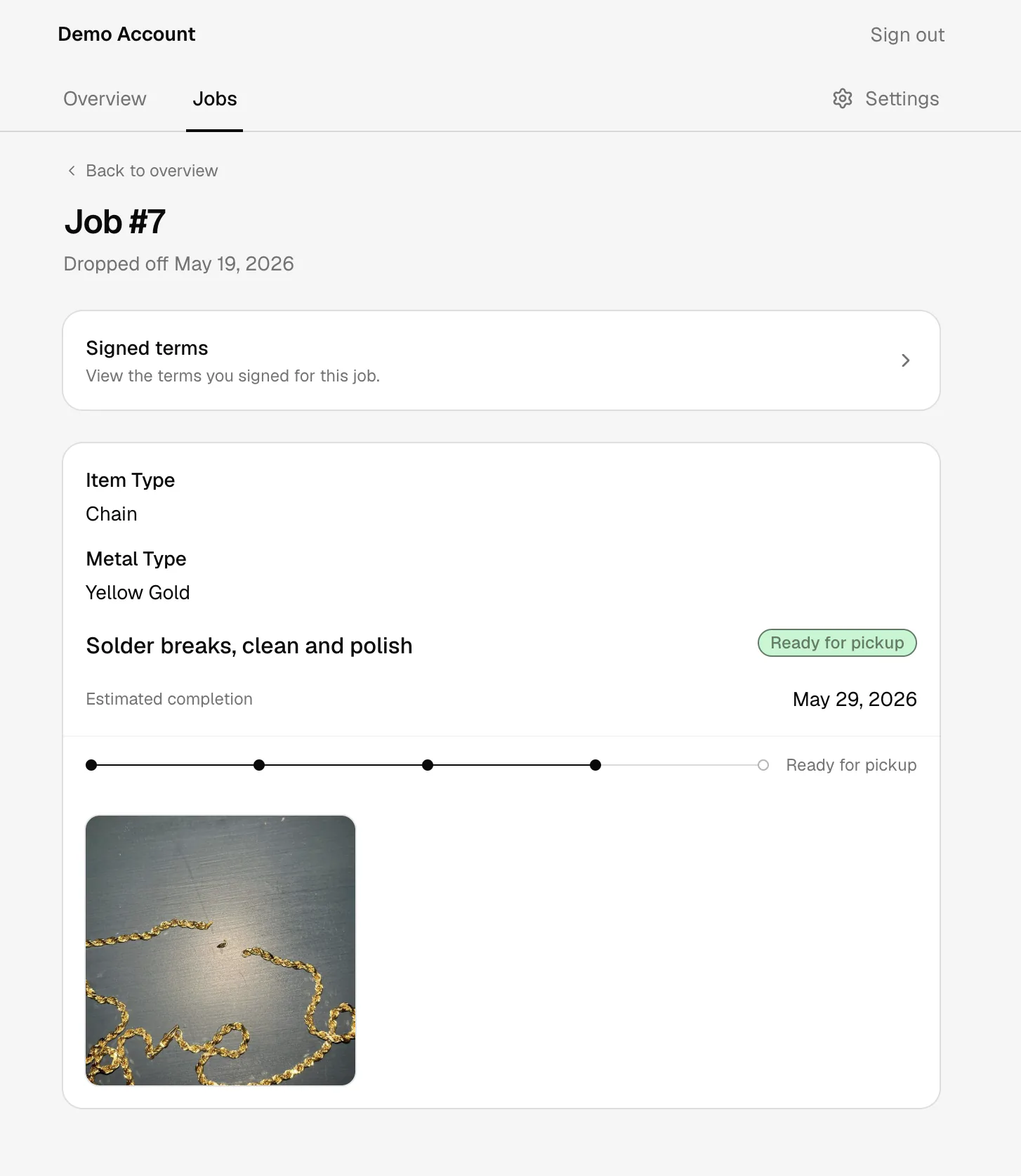
They can click into any job for a closer look: status, job description, estimated completion, intake photos, and their signed terms.
How to send a portal link
There are two ways to get customers into their portal.
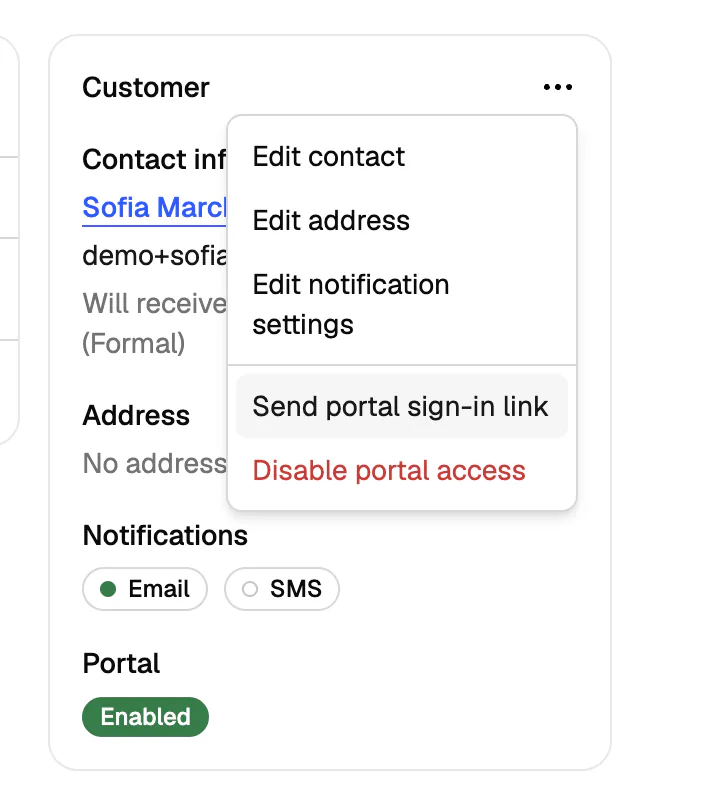
The first is through a customer profile. Any customer with an email address on file can receive a portal link directly. Just open their profile, click the menu in the Customer panel, and select Send portal sign-in link. They’ll get an email with their link and can access their portal from any device.
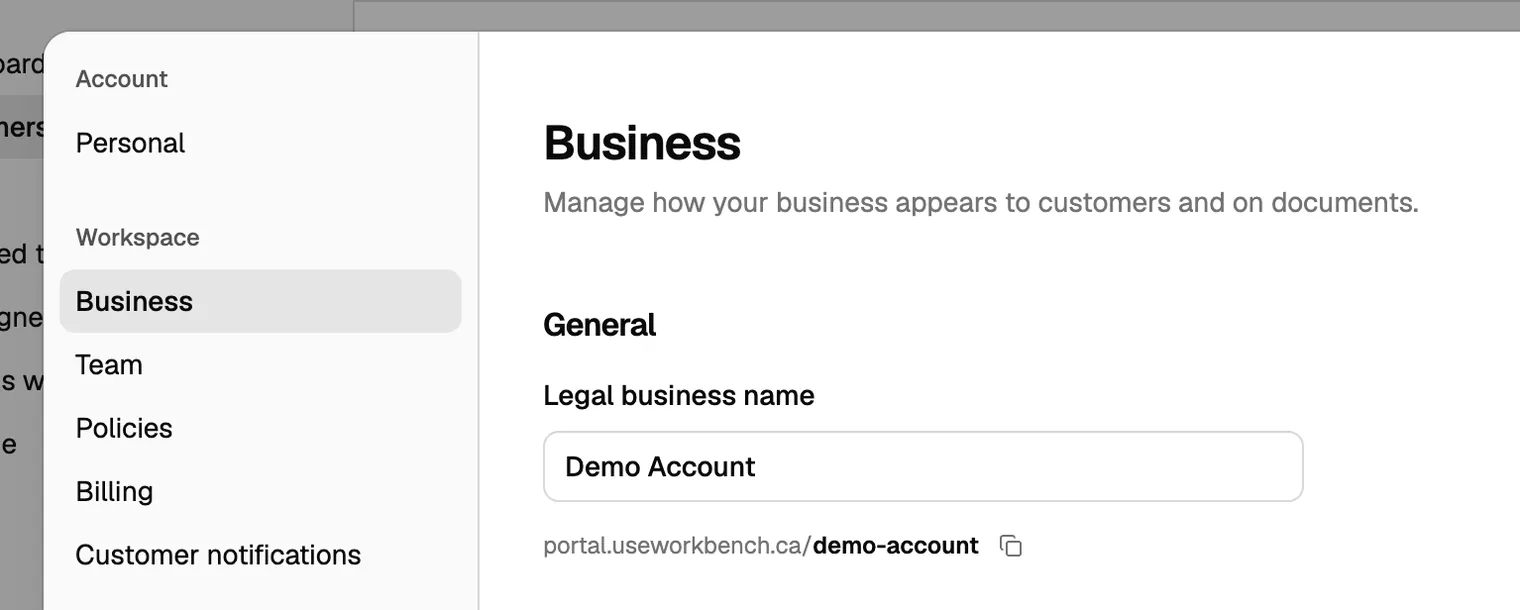
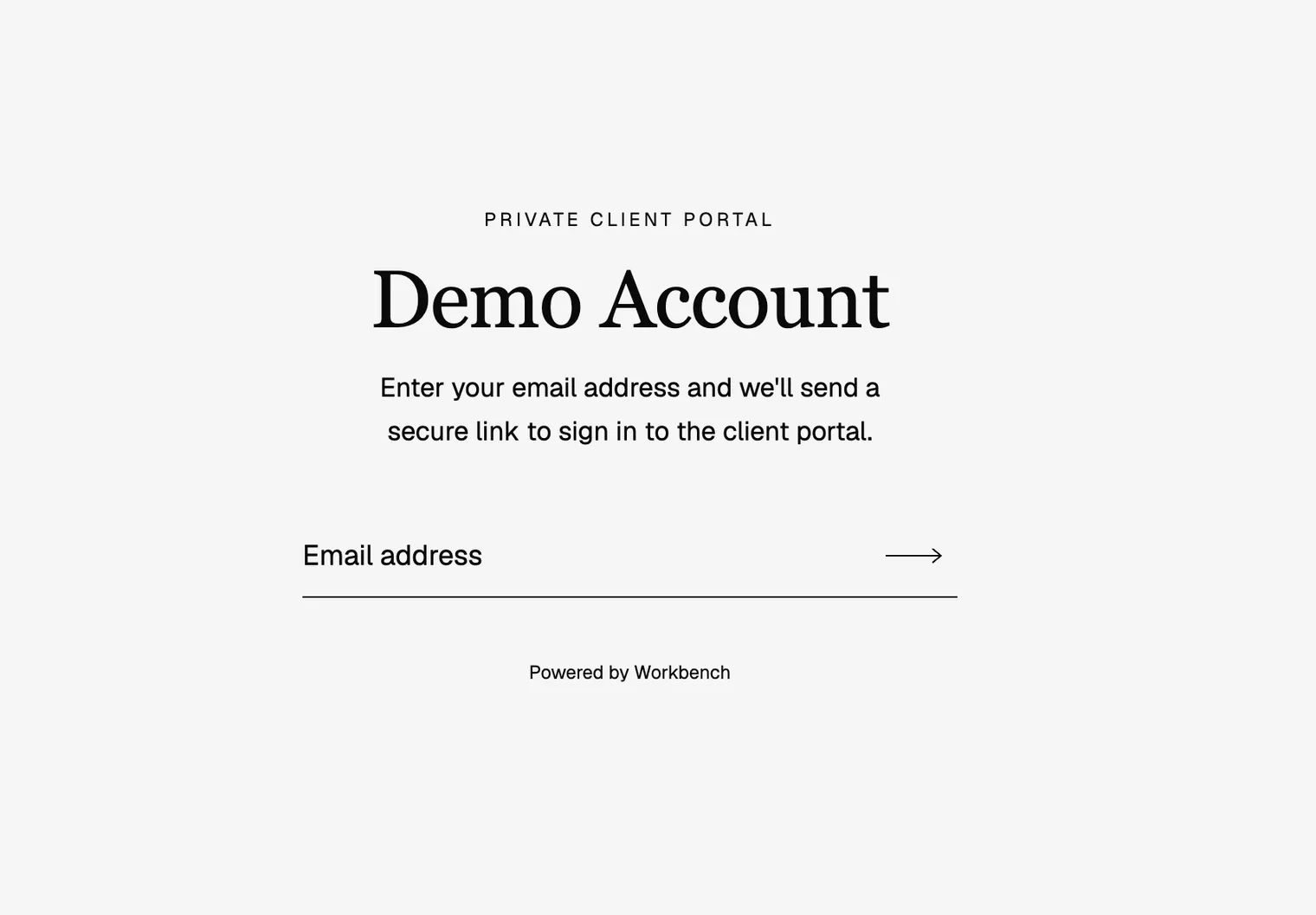
The second is your shop’s unique portal link, which you’ll find under Settings > Business. You can share this link anywhere: on a receipt, in an email signature, on your website. When a customer visits it and enters their email, they’ll receive a sign-in link to their personal portal automatically, as long as that email exists in your Workbench account.
You can also disable portal access for any individual customer from the same profile menu if you ever need to.
Customers can manage their own preferences
Once a customer is in their portal, they can update their own notification preferences (email, SMS, or both) and set their preferred language. Less back-and-forth for you, and customers feel more in control of their own experience.
Why this matters
The “is it ready?” call isn’t really about impatience. It’s about trust. When customers don’t know what’s happening with something they care about, they fill in the gap with anxiety.
A portal doesn’t replace the relationship you have with your customers so much as support it. You’ve already told them where things stand through Workbench’s automatic notifications. The portal just gives them a place to check for themselves, on their own time, without having to interrupt your day. Fewer inbound calls, fewer follow-up texts, and more time for the work that actually needs your attention.
Customer portals are available now in Workbench. To send your first portal link, open any customer profile and look for the Customer menu.